Video
Omni 1.1 Flash from text, a first frame, first and last frames or ingredients. Veo 3.1 Lite and Fast from a first frame.
Google Flow from the side panel, for AI agents and automation
FLOW is a Chrome extension that makes Google Flow videos and images in your own browser, under your Google accounts, and gives scripts, AI agents and automation tools on your computer a local API to do the same.
5 days free, then $9 for 30 days
Or download the ZIP for developer mode
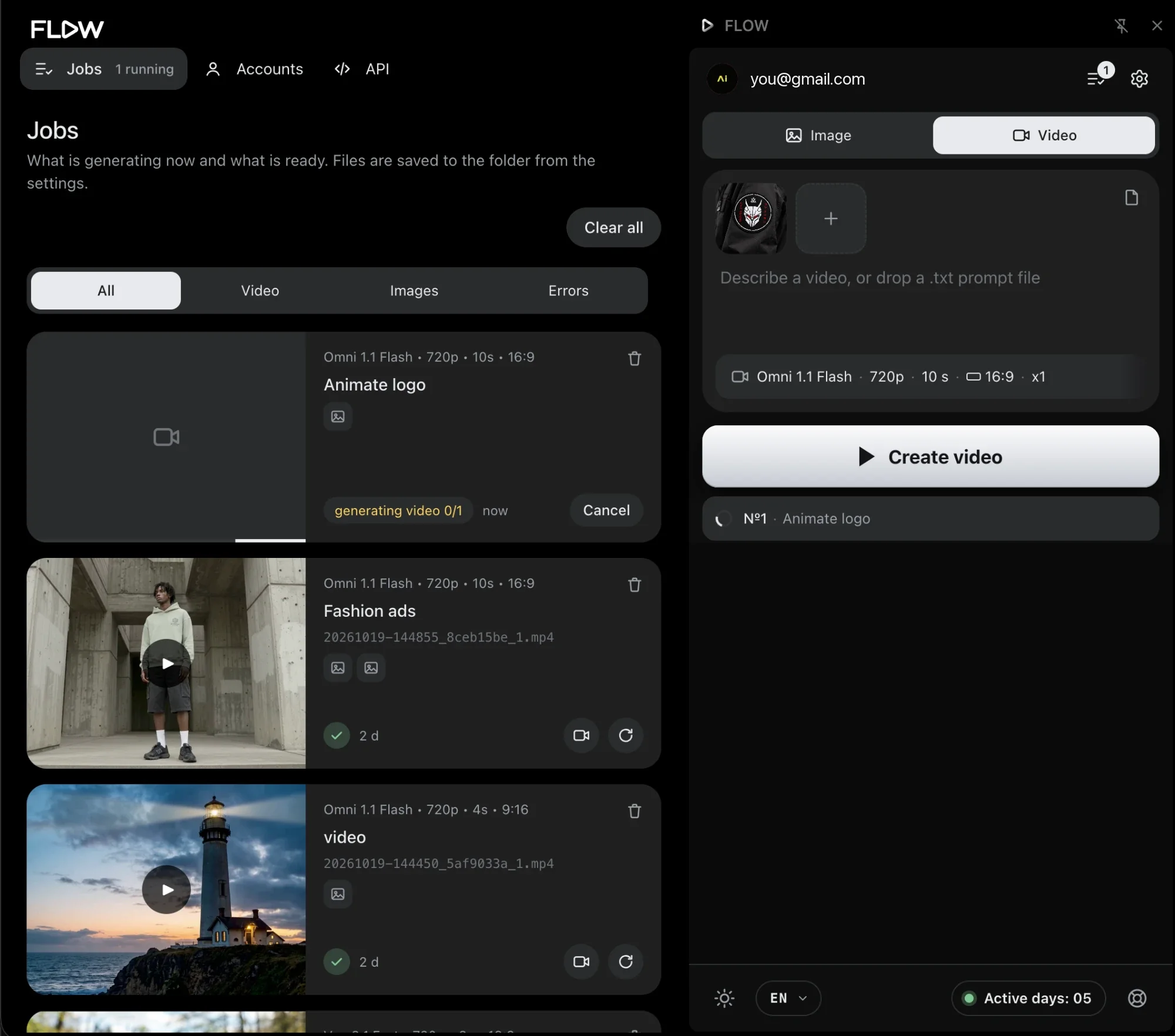
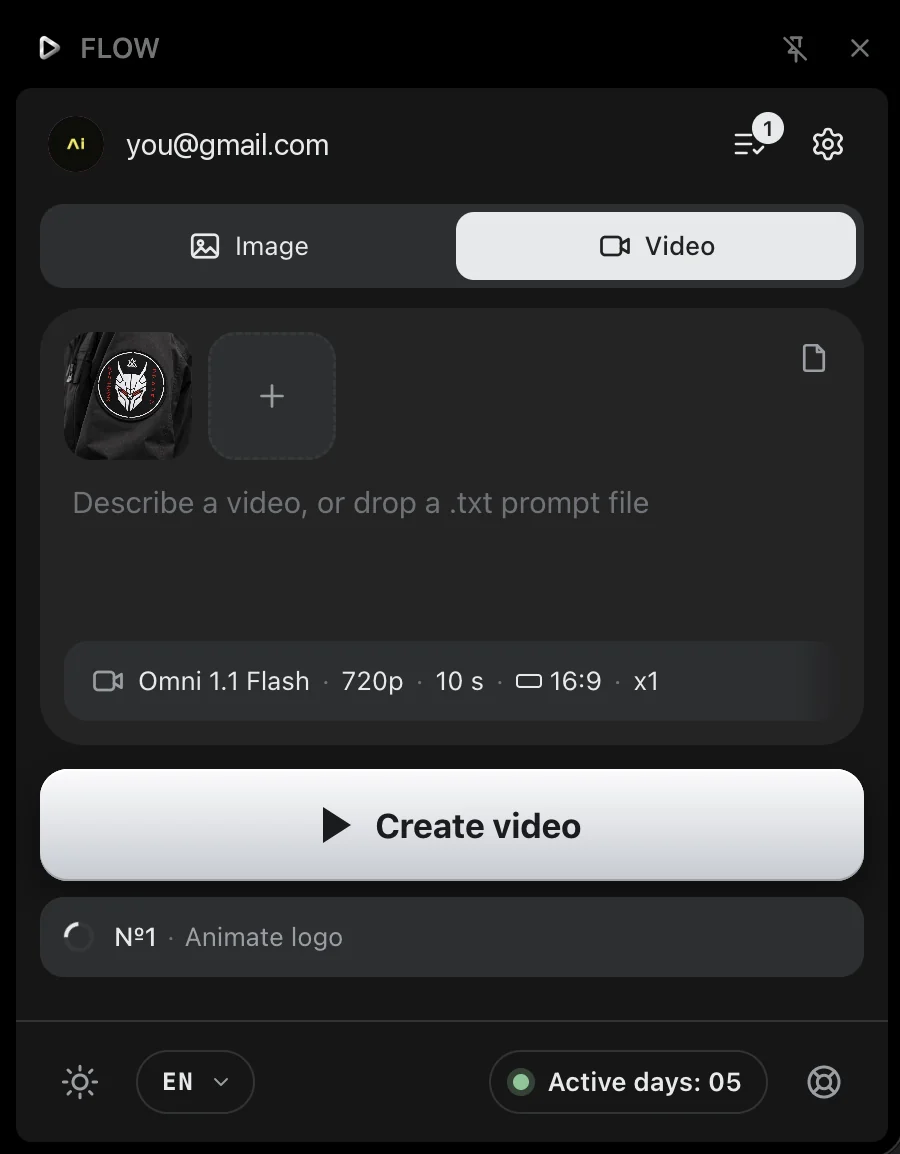
Omni 1.1 Flash from text, a first frame, first and last frames or ingredients. Veo 3.1 Lite and Fast from a first frame.
Nano Banana 2.1, 2 Lite and Pro, with references or without, up to 8 at a time. 4K is available only on Pro and Ultra accounts.
Sign in to Flow in one click or import cookies, then switch accounts and watch the credits of each one.
curl, Python, n8n or Make send a request to FLOW on this computer. The extension runs it in the Flow tab and saves the file.
$ curl flow.local:7777/api/images/generate \
    -H 'Content-Type: application/json' \
    -d '{"prompt": "A glass teapot on a table",
         "model": "nano_banana_pro", "count": 4,
         "aspect_ratio": "1:1", "resolution": "2k"}'

$ curl flow.local:7777/api/jobs?limit=5
$ curl flow.local:7777/api/credits
import requests

job = requests.post("http://flow.local:7777/api/videos/generate", json={
    "prompt": "A paper boat drifting across a calm lake at dawn",
    "model": "omni_flash", "duration": 8, "resolution": "720p",
}).json()

print(job["status"], job["result"]["videos"][0]["path"])
$9 for 30 days